
Money
Know if the job is still profitable
Compare logged cost and invoices to what was sold — before the spreadsheet surprise at month-end.
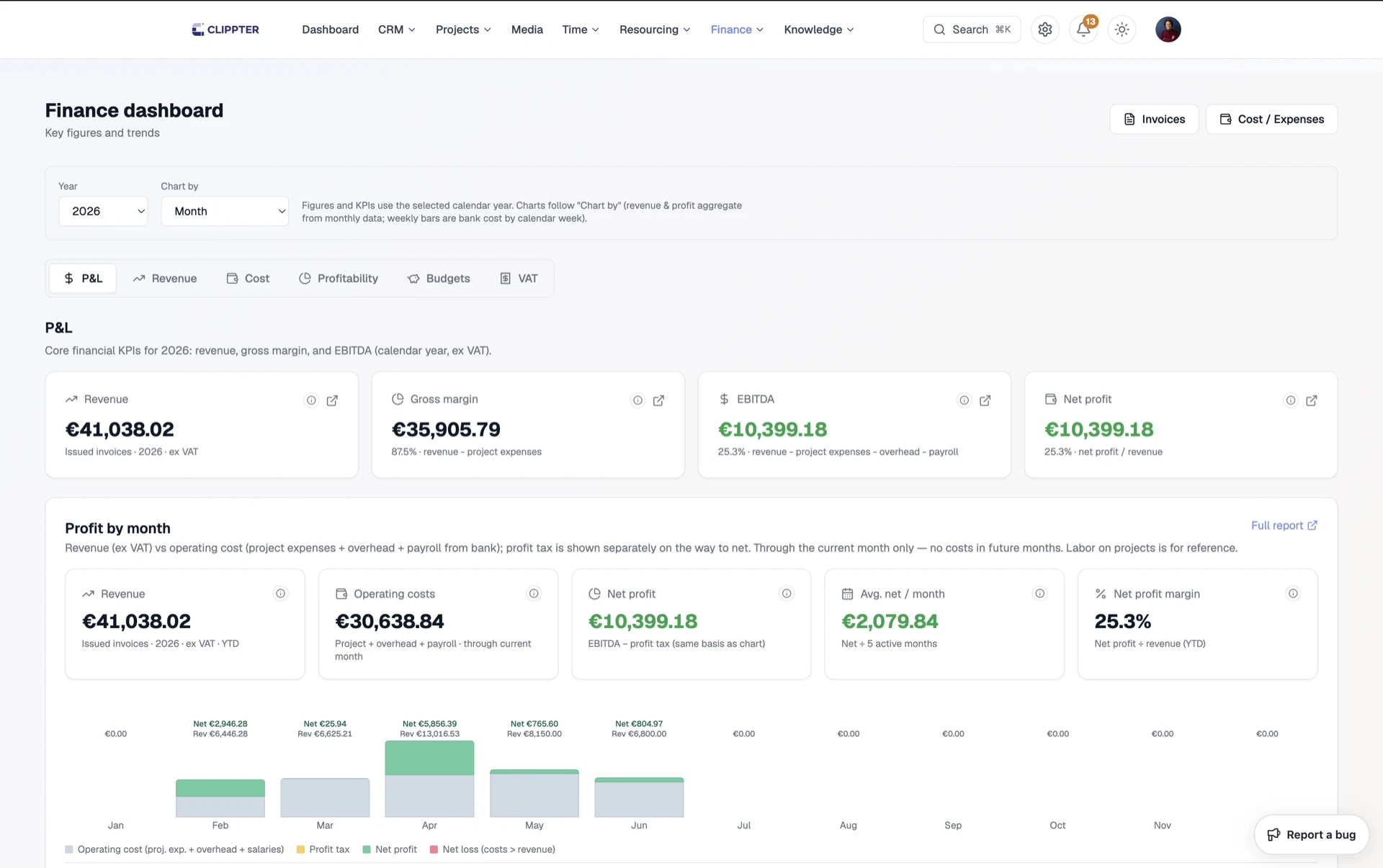
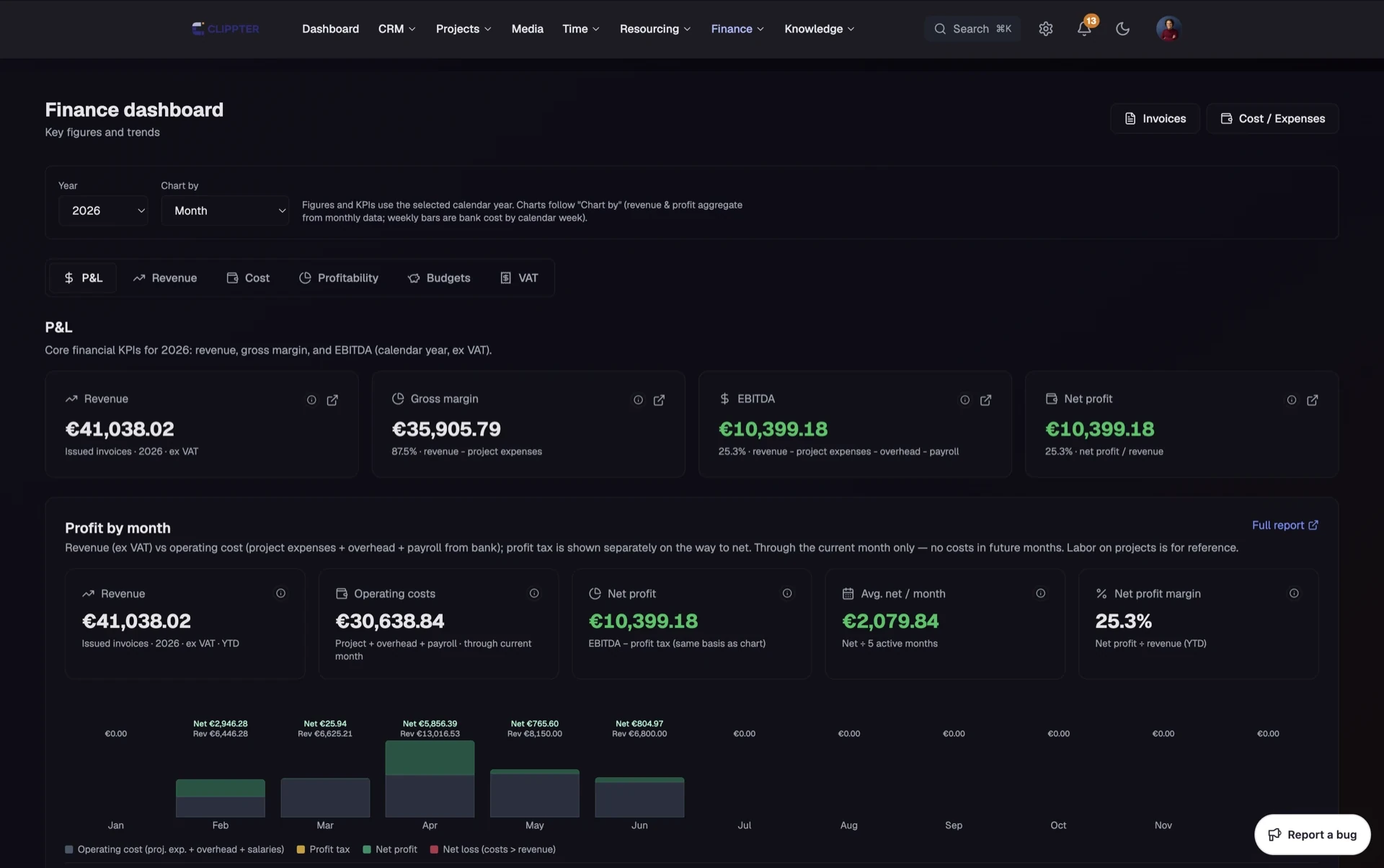
Most agency stacks stop at delivery. The cut is approved, the team moves on, and margin is reconstructed weeks later from invoices, bank exports, and optimistic memory.
Clippter keeps money next to the same projects you produce and review. Live margins, invoices from accepted quotes, overdue visibility — project finance beside delivery, not a second accounting system.
- Live marginsHours, overhead, and project costs against revenue while the job is running.
- Invoice from quoteBill from accepted scope — including tranche and retainer cues — without rebuilding the job.
- Project finance tabQuotes, costs, invoices, billing source, and spend on the job producers already open.
- Send invoicesEmail with PDF to billing and finance addresses on the company record.
- ReportingBudgets for invoicing, client-approved filters, and wider overview when you need it.
- Bank & costsBring project costs into the same margin story.
Margin while you can still change course
A red project at month-end is a post-mortem. A red project in week two is a staffing decision.
- Cost vs sold valueSee health while producers can still protect the margin.
- Hours includedLogged time feeds the same picture as expenses.
- No surprise profit & lossStop discovering profitability only after the invoice is long gone.
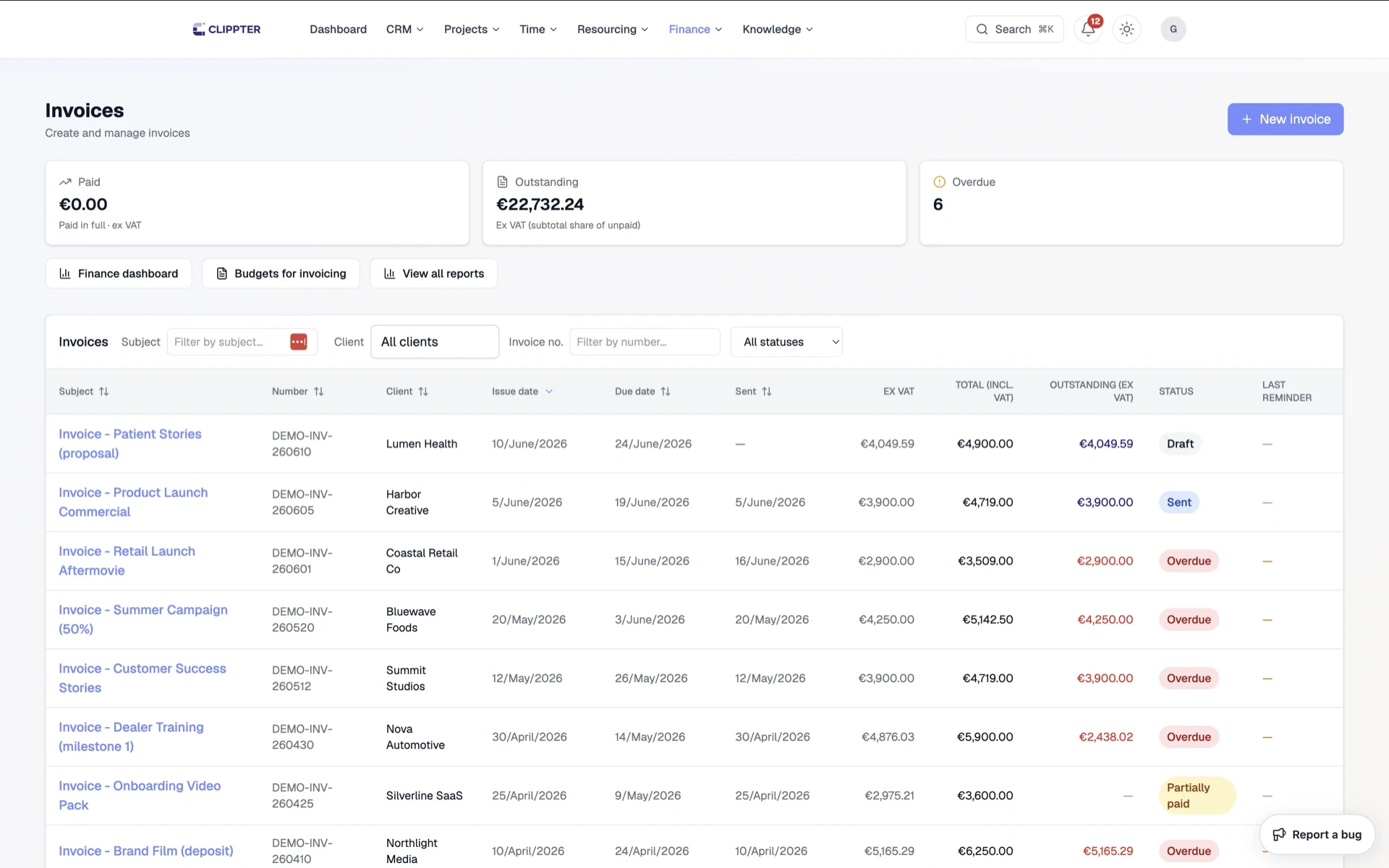
Invoice from what was sold
Create invoices from accepted quotes or project finance. Terms follow quote, company, or workspace defaults.
- Scope-true billingDo not rebuild the job in a disconnected invoicing tool.
- Send with PDFMail billing and accounts-payable addresses already on the company.
- Overdue visibilityChase from Clippter status — not only from the accountant’s inbox.
Project finance, not a second accounting system
Keep your bookkeeping system of record. Use Clippter for the agency question: is this job healthy, and what should we invoice next?
- Delivery-adjacent moneyFinance lives on the same projects as review and portal.
- Reporting when neededBudgets for invoicing and filters like client-approved when you are ready to bill.
- Spreadsheet gap closed“Is this job still profitable?” stops living in a fragile sheet.
Also in this area
- Payment terms defaultsQuote → company → workspace fallback.
- Retainer & tranche cuesKnow what is due now vs upcoming.
- Client-approved filterFind jobs ready to invoice after delivery sign-off.
- Project spendCosts on the job, not a side ledger.
- Invoice list overdueDays past due visible where you work.
- Company billing emailsAccounts-payable addresses ready for send.
Frequently asked questions
Is Clippter our accounting system?
No. Clippter is project finance beside delivery: margins, invoices from quotes, and cost visibility on projects. Keep your bookkeeping system of record.
Can we invoice from an accepted quote?
Yes. Create invoices from accepted scope or project finance without rebuilding the job.
Do logged hours affect margin?
Yes. Time and project costs feed live margin views while the job is still running.
How do payment terms work?
Invoices follow quote payment-due settings when set, else the bill-to company’s terms, else your workspace default.
Replaces
- Margin spreadsheets
- Disconnected invoicing
- Guesswork profit & loss
More features