
Review
Feedback on the exact frame
Versions, timecoded notes, and compare in the same workspace as the project — not another Frame.io tab.
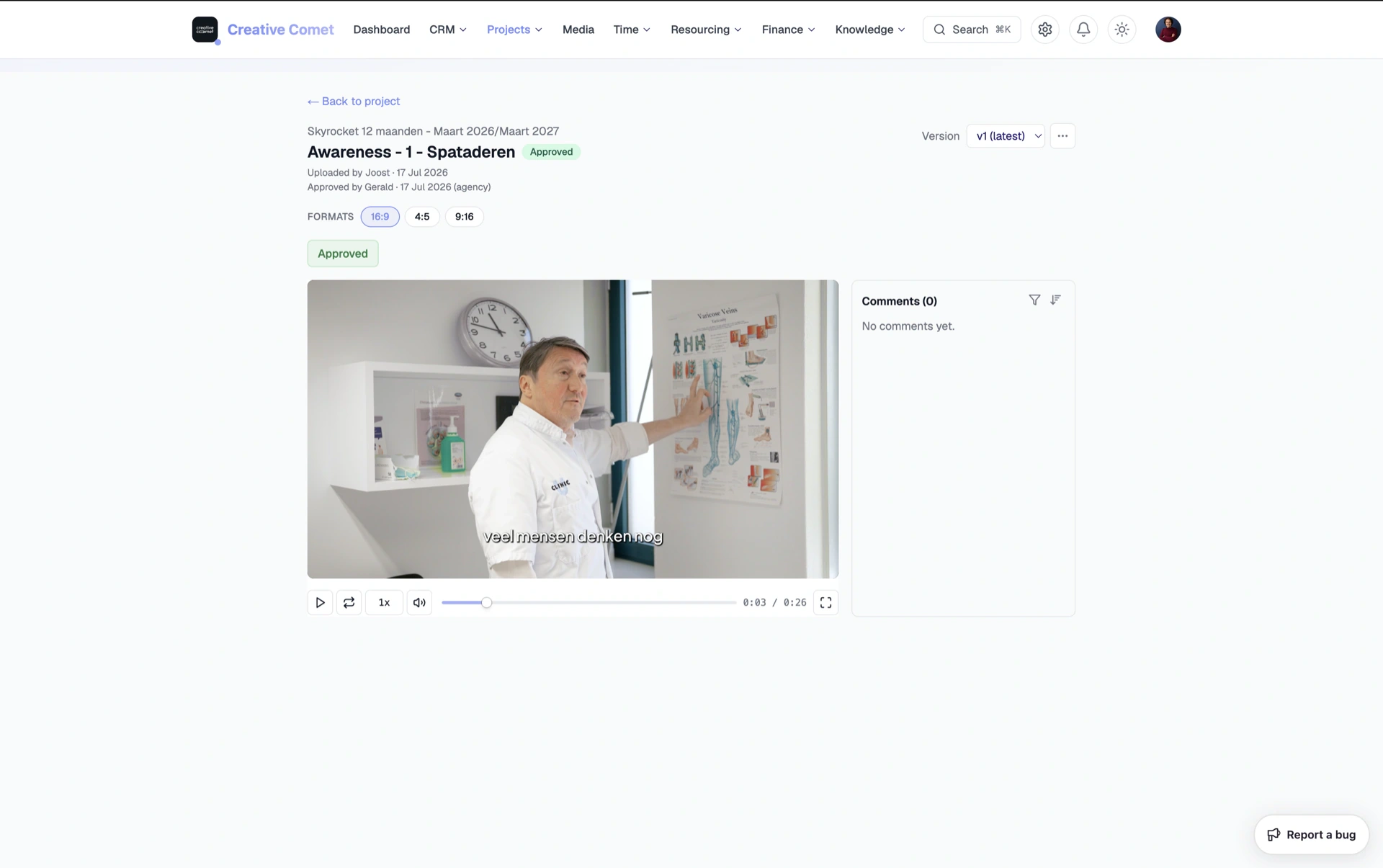
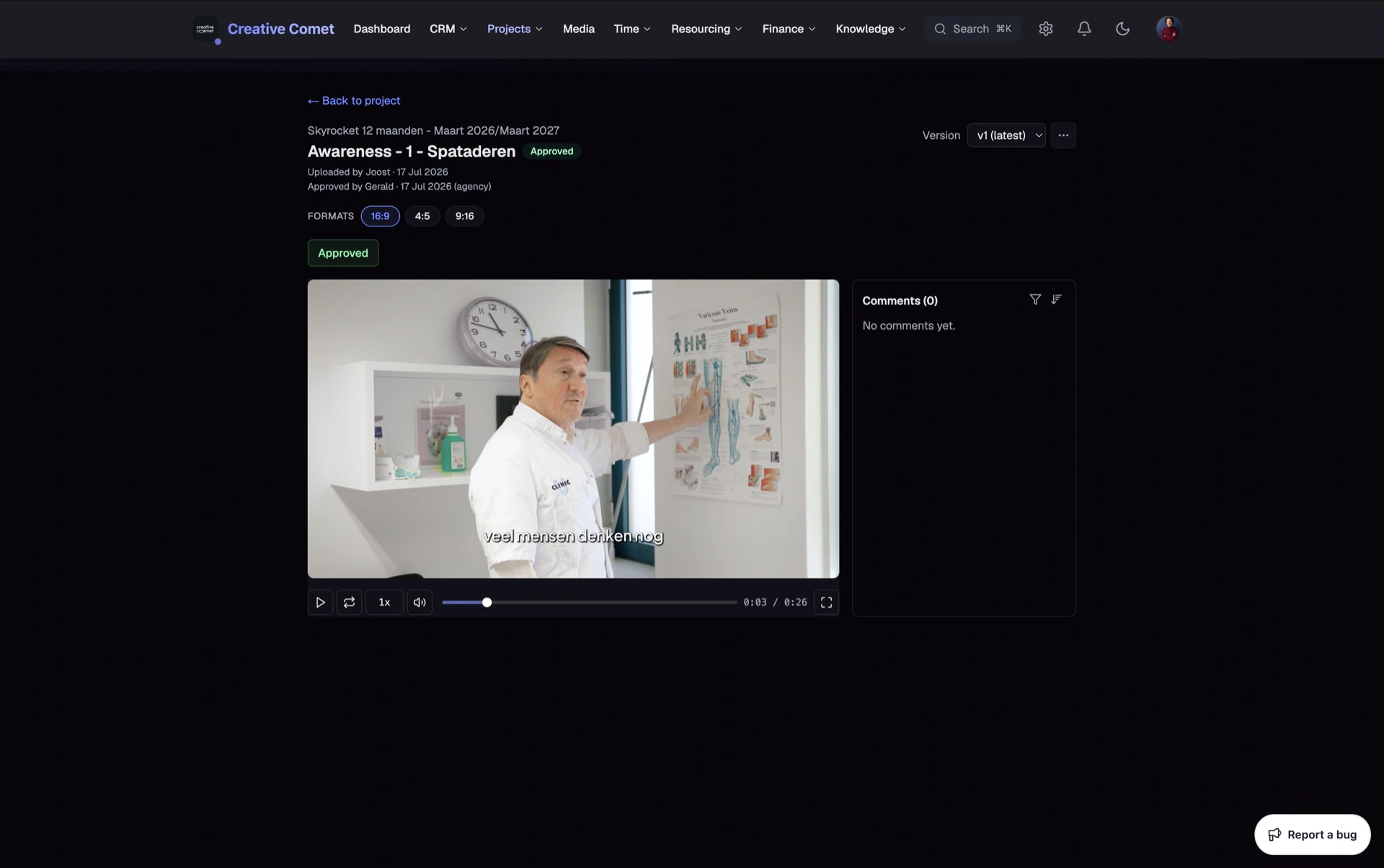
Review in a separate tool becomes link-pasting. Editors upload elsewhere, producers chase WhatsApp comments, and nobody is sure which version the client meant.
Clippter keeps review on the deliverable — next to the project that sold and scheduled the cut. When it is ready, send into the client portal. Same asset, clear access.
- Timecoded commentsJump to the note, reply in thread, keep creative context on the cut.
- VersionsUpload v2 without losing v1. Everyone knows which file is current.
- CompareSide-by-side or wipe between versions so stakeholders see what changed.
- Internal vs client pathWork internally first; send to the portal when you want formal feedback.
- Approvals on the assetStatus lives on the deliverable — producers and finance can see client-approved without asking in chat.
- Same job as productionNo orphan review projects. Comments belong to the Clippter asset.
Feedback that belongs to the cut
“Around the part with the music” emails waste edit days. Timecoded notes pin the change to the frame — on the same deliverable your team already owns.
- Frame-accurate notesEvery comment carries its place on the timeline so editors jump straight there.
- Threaded repliesKeep creative discussion on the cut instead of scattering it across Slack.
- Context that survivesWhen v2 lands, you still know what v1 feedback was about.
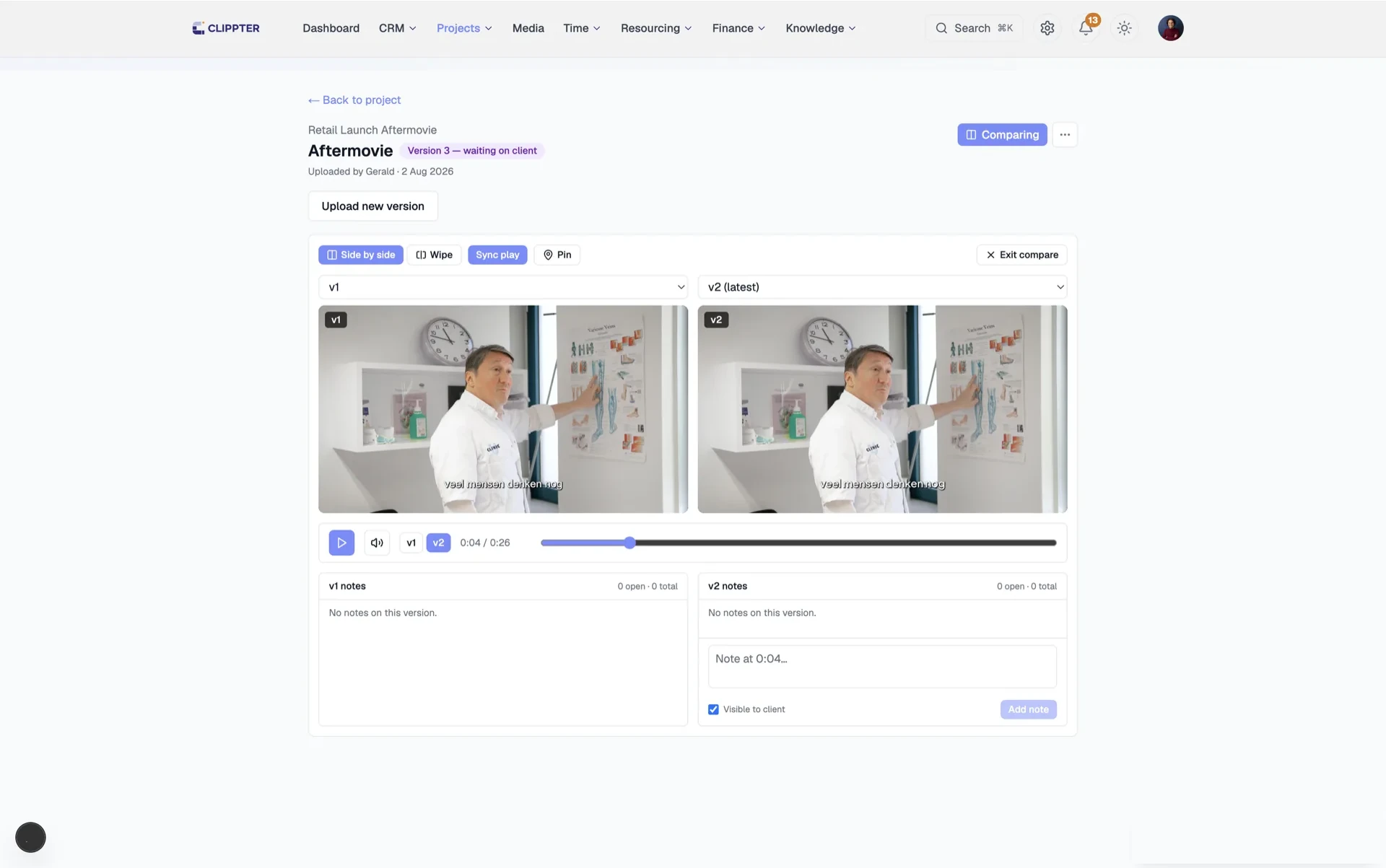
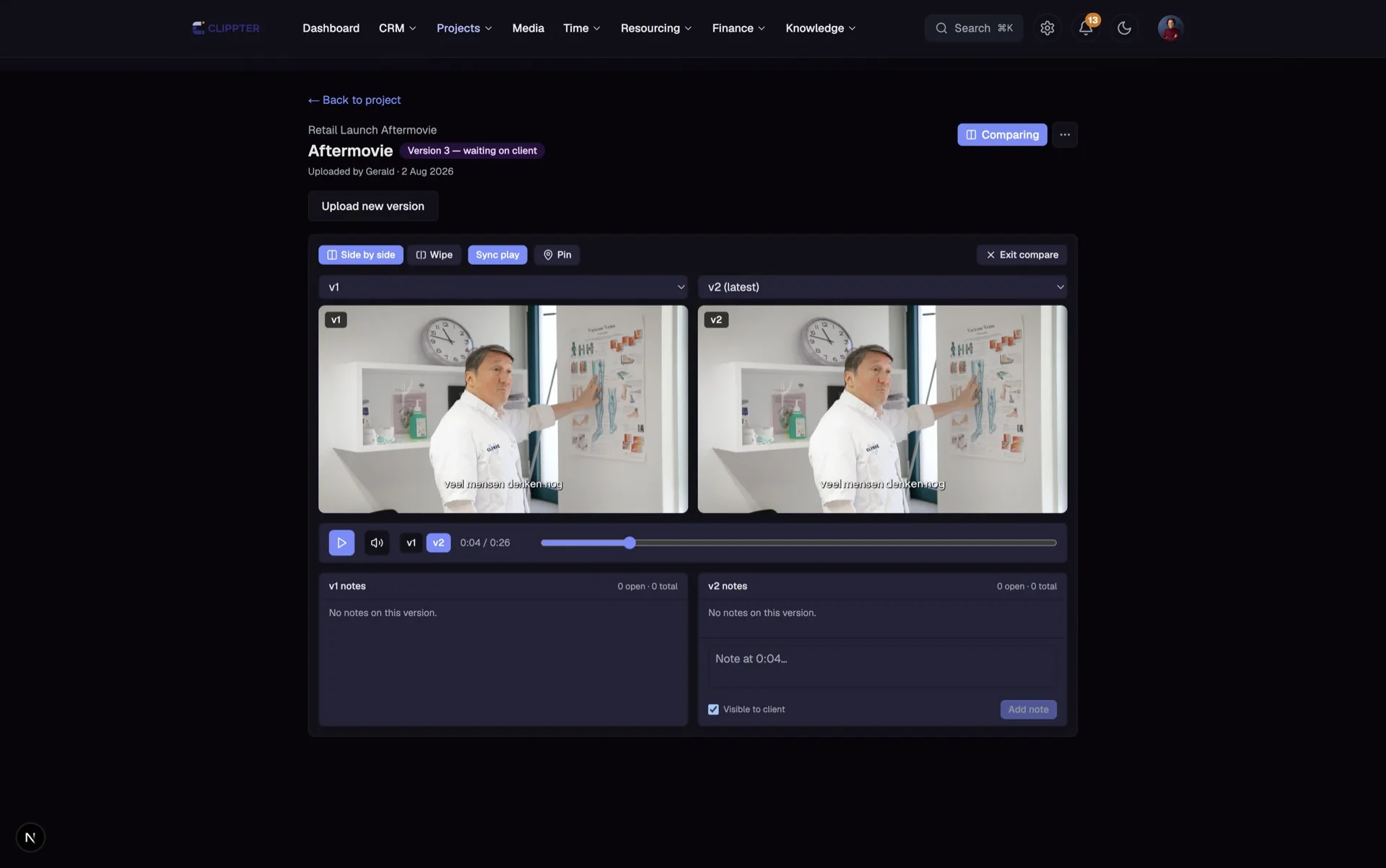
Versions without final_final_v3
Every agency has that folder name. Clippter versions the asset so compare and comments stay attached.
- Full historyUploader and date stay with each cut — reopen what you need.
- Compare what changedSide-by-side or wipe so stakeholders do not rewatch the whole piece.
- Comments stay with their versionFeedback is tied to the cut it was given on.
From internal review to client feedback
Frame.io alone does not connect the cut to the quote, project, portal, and margin. Native review keeps that chain intact.
- Internal firstTeam review stays with the agency until you choose to share.
- Portal sendClients open the cut that needs a decision — with clear who-can-access signals.
- Approval the team can seeClient-approved status on the asset feeds production and invoicing cues.
Also in this area
- Deliverable-native playerReview hangs on the project asset, not a side account.
- Send to clientHand off when the cut is ready for formal feedback.
- Access warningsKnow if anyone can open the review link before you email it.
- Multi-format jobsTrack cuts per deliverable — 16:9, 9:16, and the rest.
- Producer visibilitySee what waits on client without opening five tools.
- Less WhatsApp archaeologyNotes live where the file lives.
Frequently asked questions
Is this a Frame.io replacement?
For agencies that need review connected to projects, portal, and finance — yes, as review inside the same workspace. Clippter prioritises that chain over being a standalone media silo.
Can clients leave timecoded feedback?
Yes, via the client portal on the cuts you share. Internal-only review stays hidden from clients.
Do versions keep old comments?
Feedback stays tied to the version it was given on, so context does not disappear when you upload the next cut.
Where does approval show up?
On the deliverable asset — so producers and finance can see client-approved without asking in chat.
Replaces
- Frame.io
- WhatsApp threads
- Wipster
- Vimeo review links
More features