
Library
Files organised by client and project
Keep brand kits, approved masters, and shared assets findable — without a second Dropbox taxonomy.
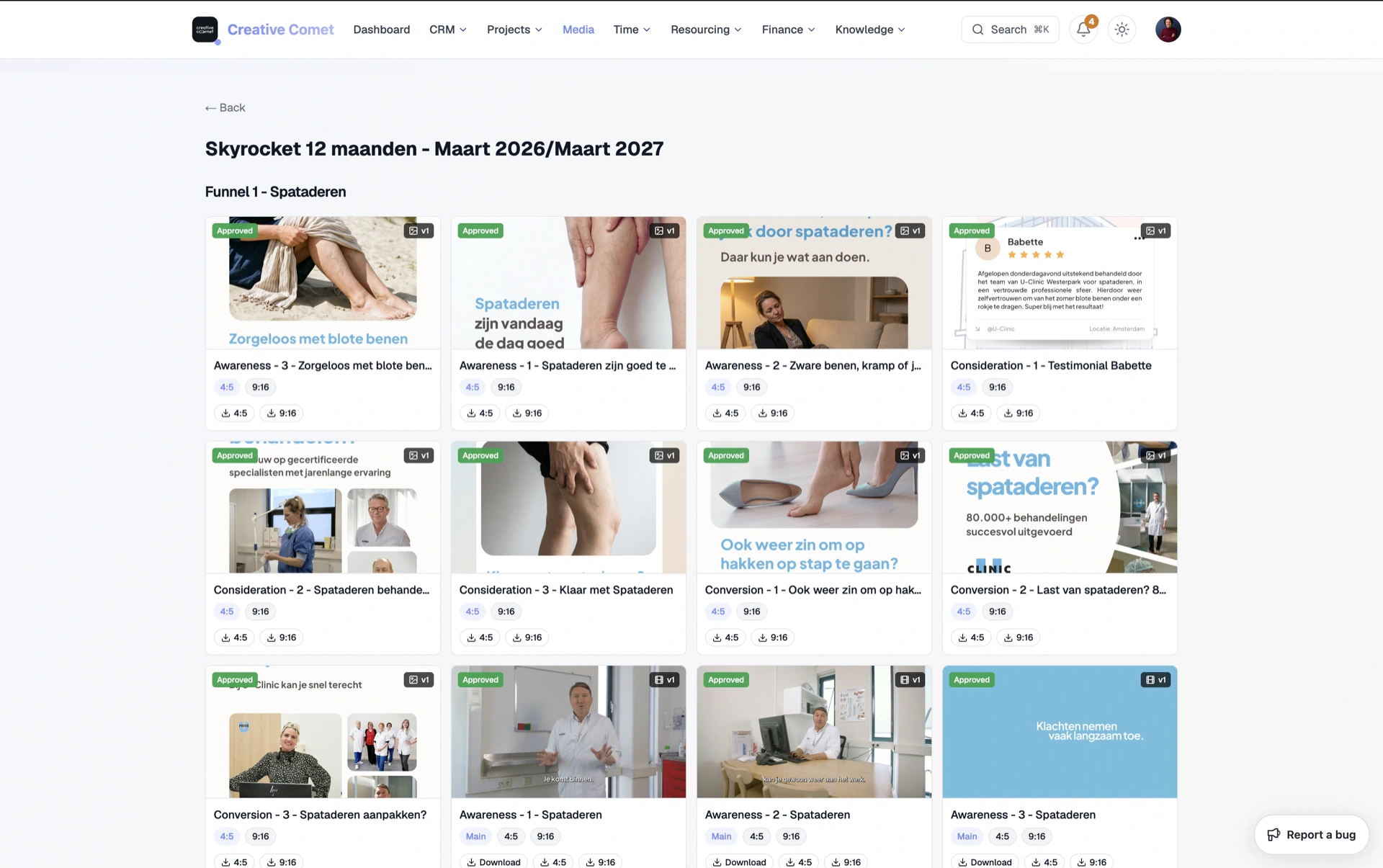
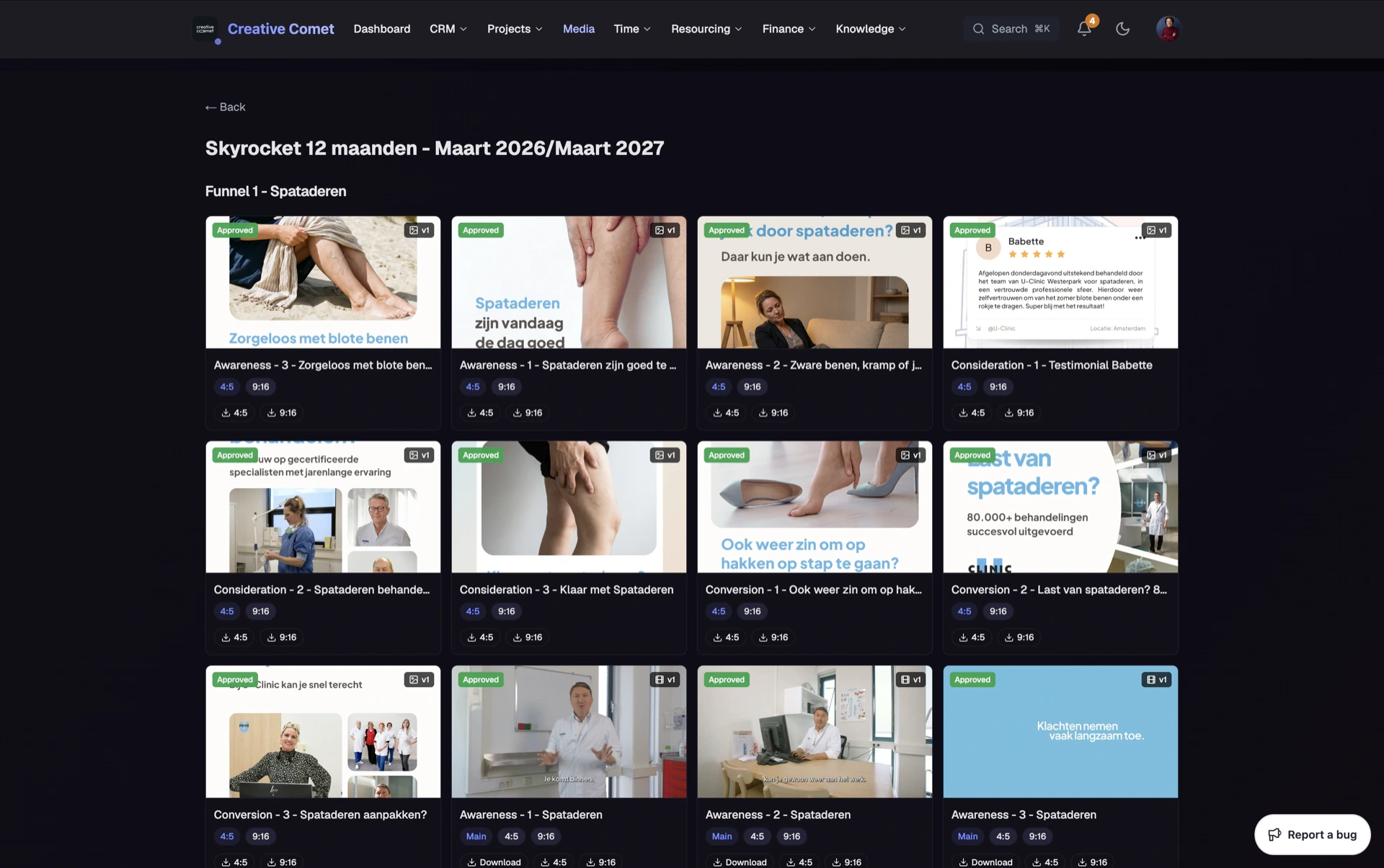
Production files scatter across personal Drives, WeTransfers, and folders named after people who left. Finding the approved master becomes archaeology.
Clippter’s media library sits beside projects and the portal. Browse by company and project. Share folders when you need structured client access. Scale storage inside the same workspace when Core is not enough.
- Client & project browseNavigate how agencies think: client → job → folder — not a flat dump of filenames.
- Upload & organiseCuts and files in folders attached to real work.
- Share folderStructured client access without inventing Drive permissions every week.
- Portal-alignedWhat you organise supports what clients see — fewer wrong-link moments.
- Clippter StorageAdd workspace capacity (including 1 TB options) without a second vendor login.
- Less tool sprawlFewer WeTransfers and orphaned Dropbox shares for day-to-day delivery.
Filed the way agencies already think
Clients think in brand and campaign — not “Marketing / 2024 / Exports.” Clippter organises around companies and projects.
- Company → projectBoth team and client can find the same truth.
- Folders with purposePractice uploads, delivery packs, brand kits — beside the job.
- No second taxonomyStop teaching a CDN control panel as your filing system.
Beside review, not instead of it
The library is storage and structure. Timecoded review still happens on deliverables. Together they replace upload-here / final-there chaos.
- Structure + playerFiles live in context; feedback still lands on the cut.
- Share when neededFolder share for structured access; portal for client project hubs.
- Delivery artefacts stay attachedApproved masters stay where the job expects them.
Storage without another silo
When you need more space, Clippter Storage extends the same workspace — capacity grows, taxonomy does not fork.
- Core to startWorkspace storage included to get moving.
- Scale in-productAdd capacity without onboarding another vendor UI.
- Same team habitsUploads and shares keep the same mental model.
Also in this area
- Practice foldersSafe space to upload and share before a live client job.
- Project media viewsJump from job context into organised files.
- Client portal mediaAlign library organisation with portal expectations.
- Drag-and-drop uploadsGet cuts in without a ceremony.
- Team findabilityStop asking “who has the master?” in chat.
- Less WeTransfer historyKeep delivery files where the project lives.
Frequently asked questions
Is the media library a Dropbox replacement?
For agency delivery files organised by client and project — yes, as the library next to the job. Deep archive policies may still live elsewhere; day-to-day masters and shares belong with the project.
How does this relate to video review?
Library = structure and storage. Review = timecoded feedback on deliverables. They work together so you are not filing “finals” in a different universe from comments.
What is Clippter Storage?
Extra workspace capacity inside Clippter (including larger tiers such as 1 TB) when Core basics are not enough — same product, more room.
Can clients browse the library?
Clients use the portal and shares you enable — not your full internal library.
Replaces
- Dropbox chaos
- WeTransfer history
- Untitled Drive folders
More features