
Produce
Project management made for video
Follow jobs through pre-production, production, and post — with assets and deliverables as first-class objects.
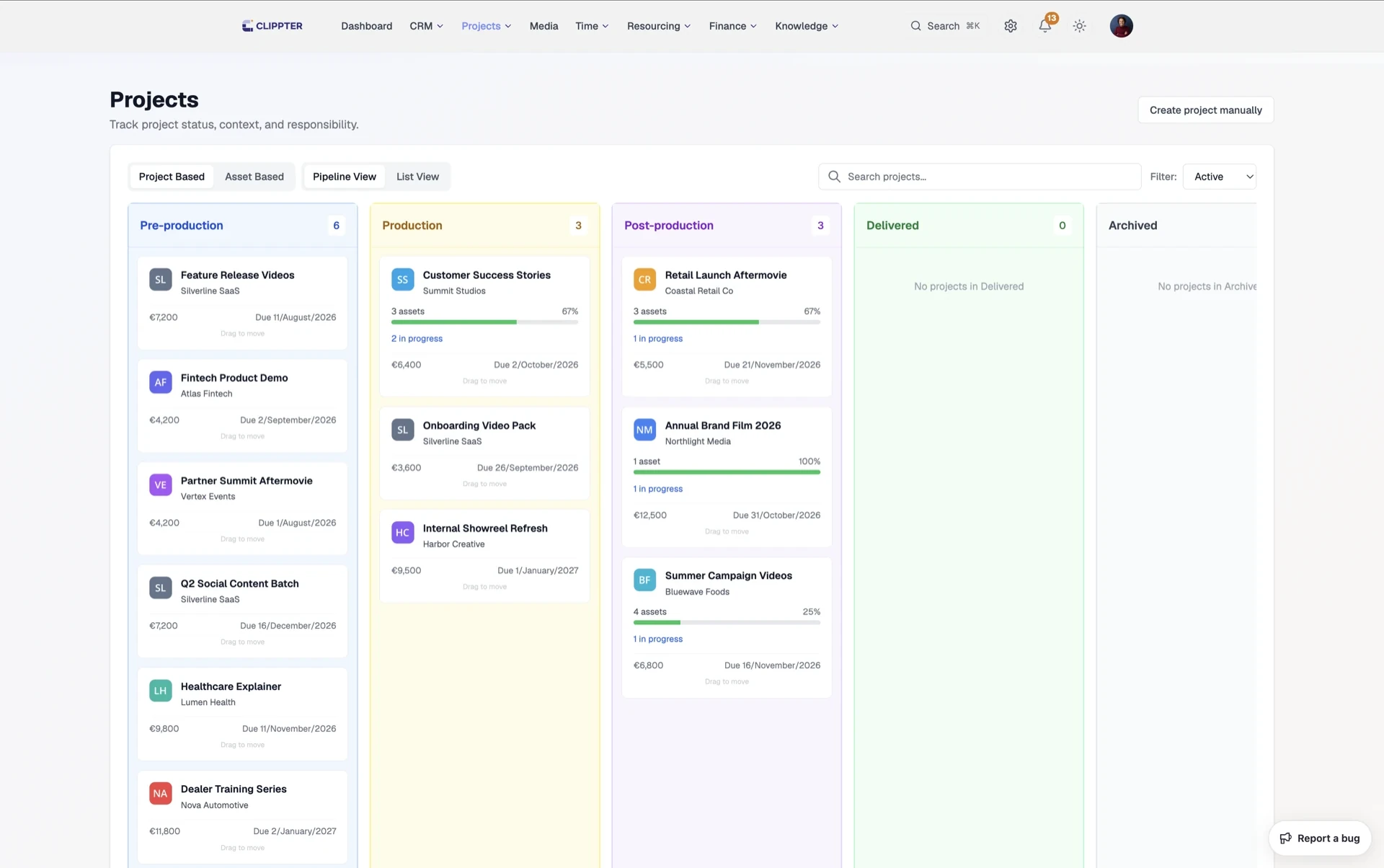
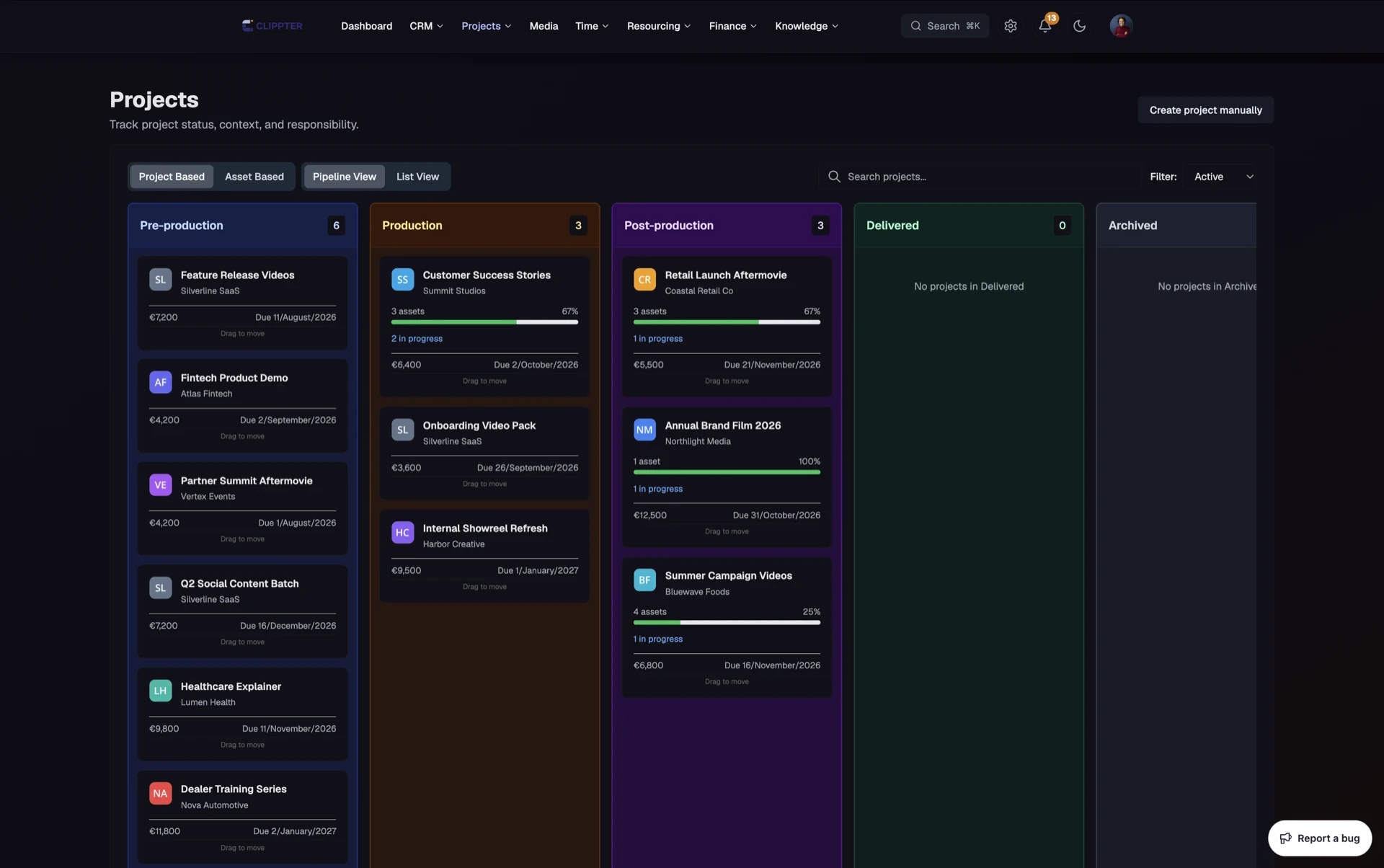
ClickUp and Monday can model anything, but agencies pay in setup time. Video already has a shape: brief, shoot, edit rounds, client approval, delivery.
Clippter ships that shape. Phase boards for the agency, assets as objects on the job, and — when the project came from a won quote — budget and deliverable slots already filled.
- Phase pipelinesBoard views by production stage — pre, on set, post — without ten custom statuses.
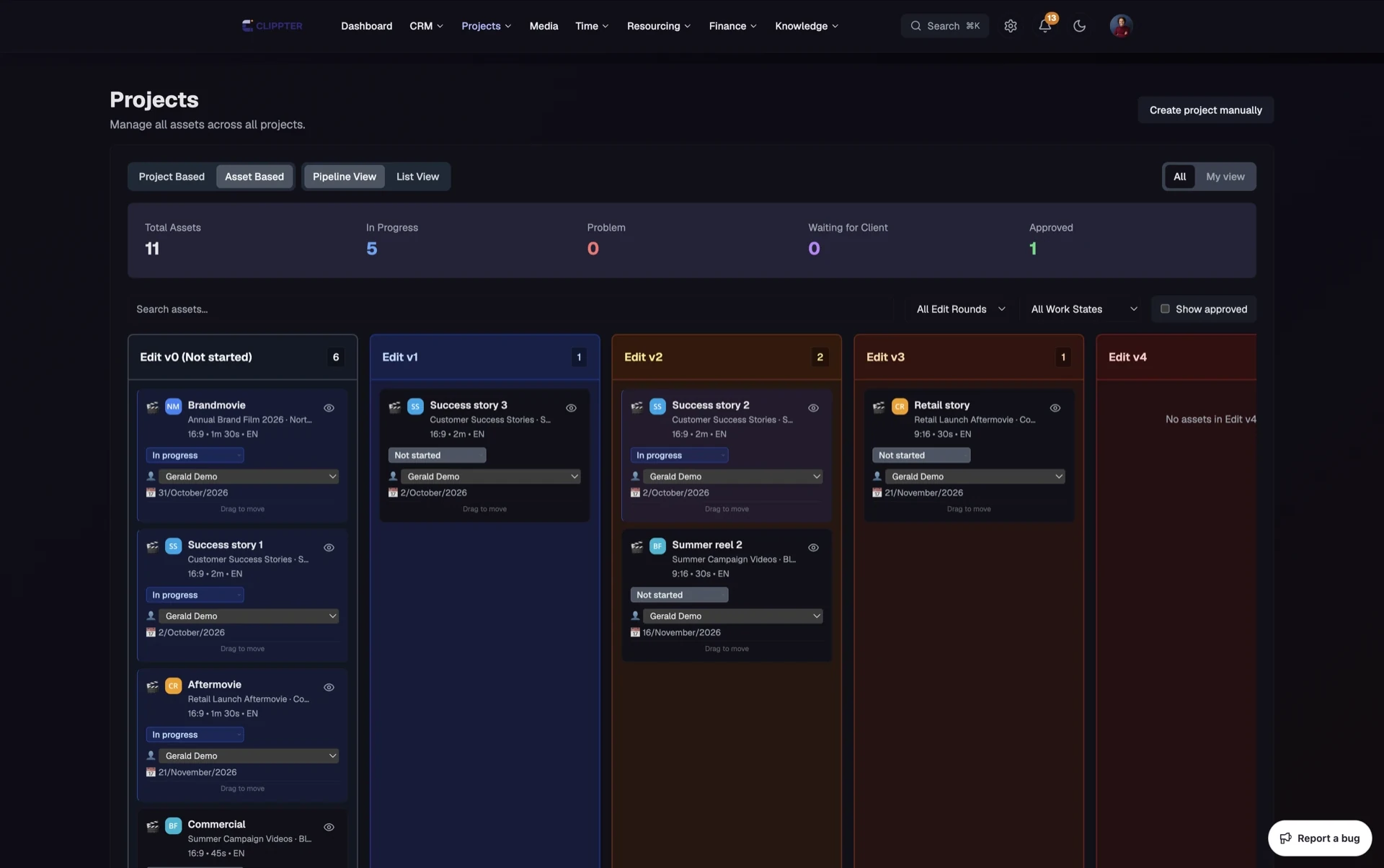
- Asset pipelineTrack every deliverable: duration, aspect ratios, edit rounds, and who owes the next move.
- Overview matches portalPackage counts stay consistent with what the client sees.
- Project filesScripts, briefs, and legal on the job — share selected files to the portal when needed.
- Tasks & crewShoot windows and crew/services where producers already work.
- Finance on the jobQuotes, costs, invoices, and spend on the same project screen as delivery.
Pipelines shaped like production
Generic project management tools win demos because everything is possible. They lose Tuesdays because every agency reinvents phases. Clippter starts from how video jobs run.
- Agency-wide boardsSee what is in pre, on set, or in post without filtering a custom field maze.
- Ownership that sticksClear who owns the next move on the job — not a nested subtask nobody updates.
- Stand-up readyProducers get a pipeline they can trust in a morning check-in.
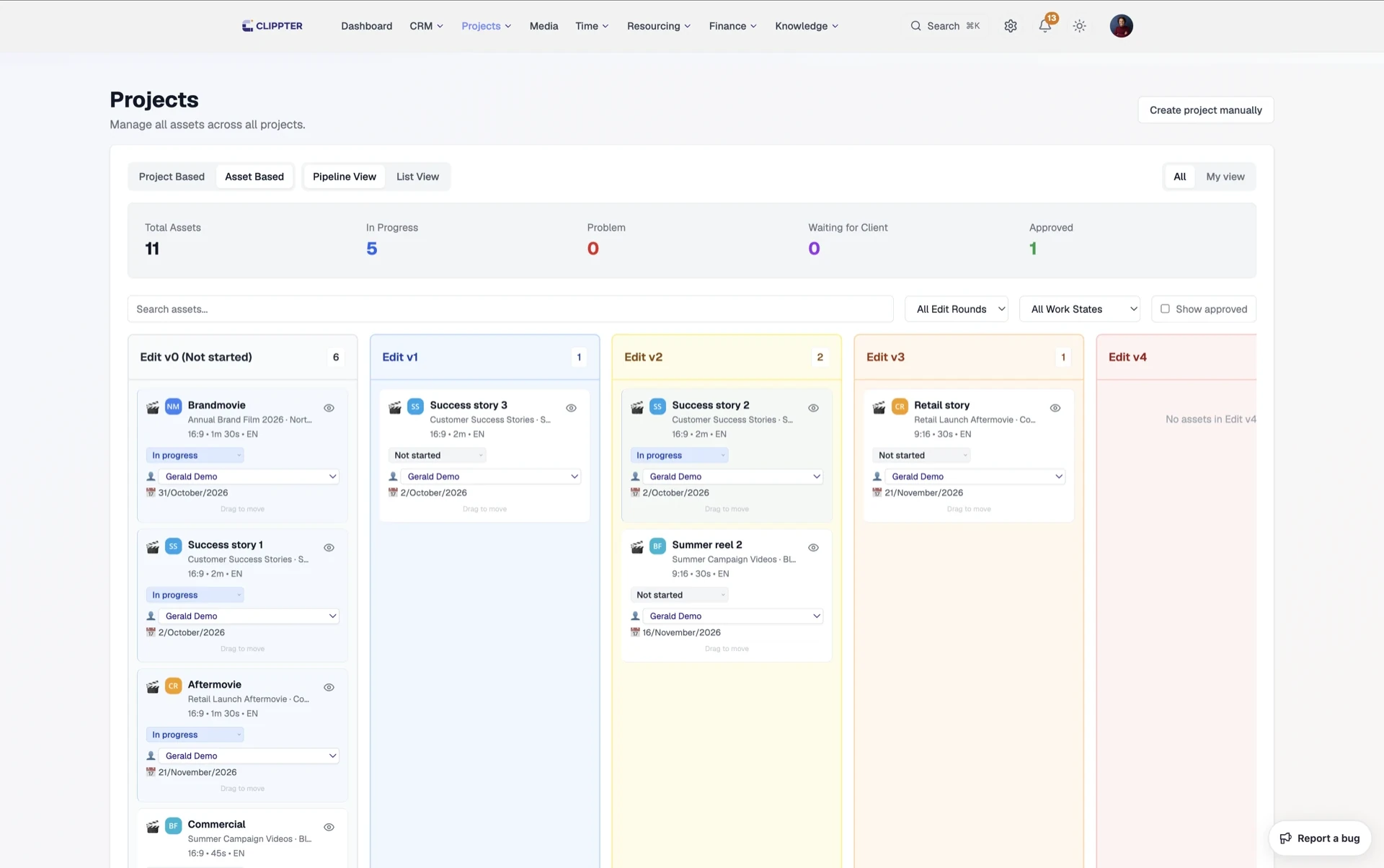
Assets are the unit of work
A project is not done when a checklist is green. It is done when the cuts are approved and delivered.
- First-class deliverablesAssets feed video review, versioning, and client feedback — not orphan Drive files.
- From quote or from scratchWon quotes bring asset slots; Projects → New still lets you add custom deliverables.
- Same objects in the portalClients later see the same deliverables — not a parallel folder tree.
One job from sell to bill
Projects are the spine. CRM feeds them; review and the portal hang off them; time and finance report on them.
- Shared job identityNo stack of tools that never quite share the same project ID.
- Money next to deliveryOpen finance on the same screen producers already use.
- Files with contextPDFs and docs live on the job; share only what the client should see.
Also in this area
- Client go-live deadlinesSet delivery dates on the project header.
- Shoot-day promptsNudge crew dates when the quote implies a shoot.
- Internal briefingTeam-only notes beside client-shared files.
- Asset notes & scriptsRich text per deliverable in the side panel.
- Agreements on the jobClient agreements tied to the project when you use them.
- Archive without erasing historyKeep finished jobs findable for finance and reference.
Frequently asked questions
How is this different from ClickUp or Monday?
Those tools model anything. Clippter models video production: phases, assets, portal-ready deliverables, and finance on the same job — without building the schema yourself.
Do projects have to come from a quote?
No. Start from Projects → New for internal jobs or when you are not selling in Clippter yet. You can still add deliverable assets for review and the portal.
What is an asset in Clippter?
A deliverable cut (or related deliverable) with metadata — the object that gets versions, review comments, and client approval.
Can clients see the project?
Through the client portal — only what you share. Internal notes, rates, and margins stay internal.
Replaces
- ClickUp
- Monday
- Asana
- Airtable production bases
More features