
Storage
Masters you can download. Proxies you can review.
Upload the cut once. Review on a streamable proxy. Pull the original back when you need it, in the same workspace as projects and the client portal.
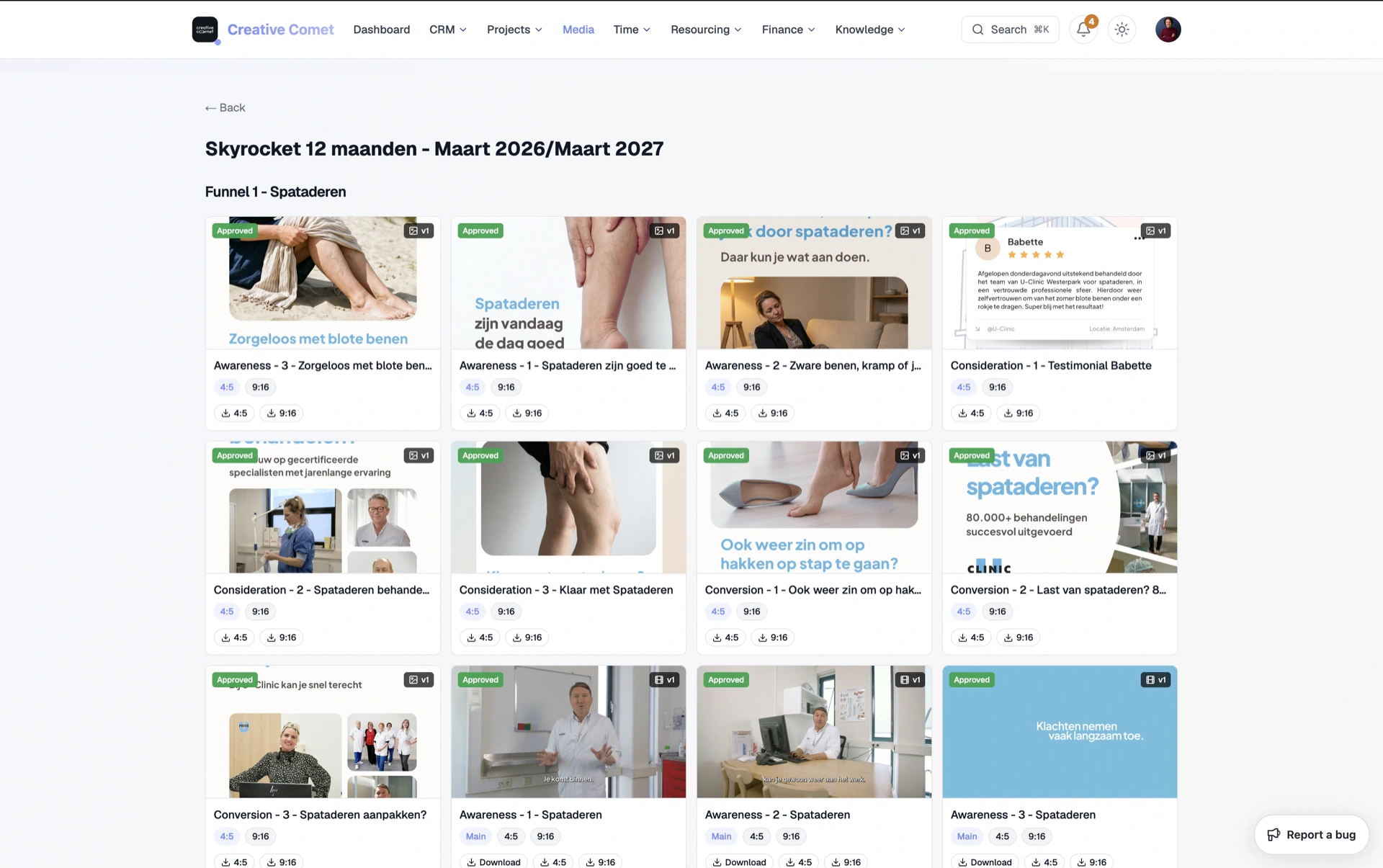
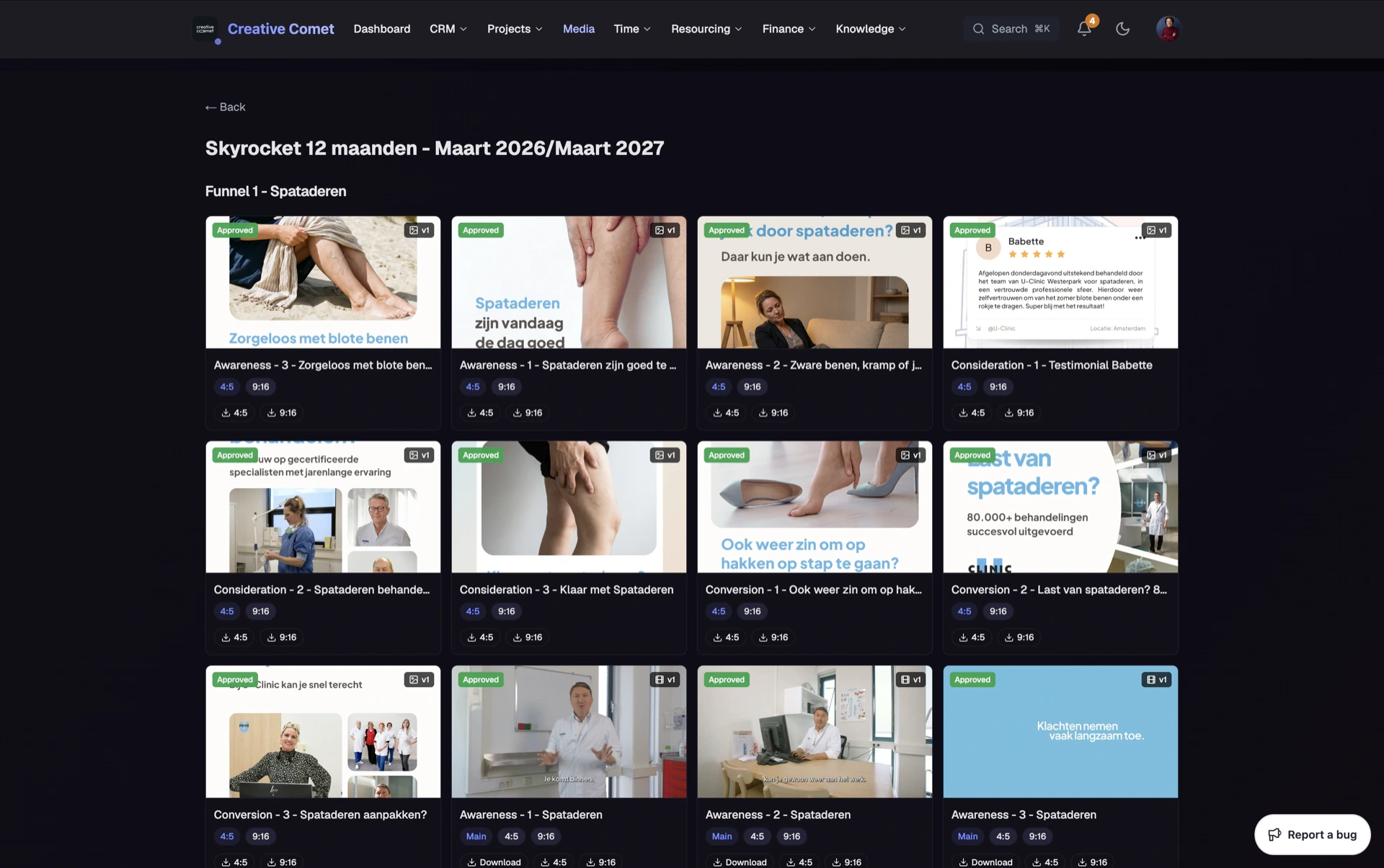
Agency media rarely fails because of a missing folder icon. It fails when the master lives in one tool, the review link in another, and the client download in a third WeTransfer.
Clippter keeps that chain in one place: review and library capacity, organised by client and project, with portal delivery when the cut is ready.
- Download the uploadKeep the file you put in. Available again when someone needs the master.
- Auto smaller versionsAfter upload, Clippter encodes compressed sizes (1080p, 720p, …) beside the original.
- Multi-aspect on one deliverableMain 16:9 plus 9:16, 4:5, and other formats on the same asset. Upload each aspect once.
- Client picks size & formatThey choose aspect and Original or compressed download themselves. No re-export round for the agency.
- Portal pool & share linksClient media access in the portal, or a guest share link for a one-off hand-off.
- 1 TB workspace add-onClippter Storage is one pool per workspace, not per seat, then €0,05 / GB above.
Keep the master. Encode the rest.
Upload once. Clippter keeps the original and builds streamable / downloadable smaller versions automatically, so review and hand-off do not need a second export job.
- Original stays availableThe uploaded master remains downloadable, not replaced by a re-encode as the only copy.
- Compressed sizes appearWhen encoding finishes, download menus list Original plus sizes like 1080p and 720p.
- Proxy for the playerTimecoded review streams a lighter version so stakeholders are not stuck on the full master.
Every aspect the job needs
Social cuts are not one file. Define Main plus resizes (16:9, 9:16, 4:5, …) on the deliverable. Each aspect uploads and downloads on the same card family.
- Formats on the assetToggle aspects like on a quote; extra formats become resize children under Main.
- Switch format on the cardPills for Main / 9:16 / 4:5 keep siblings together instead of scattering Drive folders.
- Download one or allGrab a single aspect or All formats. Filenames keep the aspect so packs stay clear.
Clients choose what they download
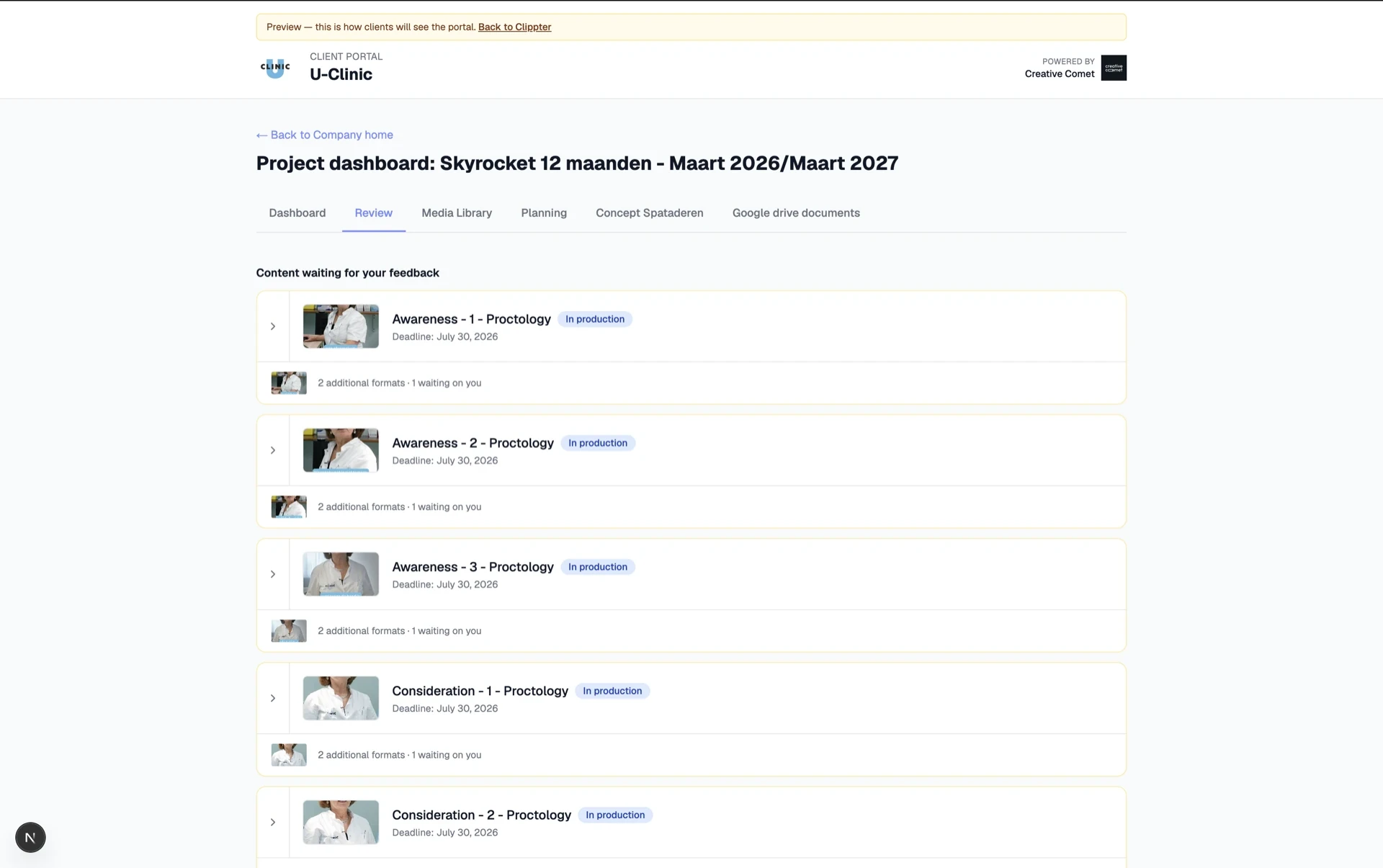
Stop re-exporting “a lighter MP4” or “just the 9:16.” They pick aspect and size from the same card, portal or share link.
- Self-serve download menuOriginal or compressed options (1080p, 720p, …) after encoding. Same pattern for agency and client.
- No extra agency passYou do not prepare a second file pack every time someone wants 720p or a different aspect.
- Portal pool or share linkStanding clients get their media pool; one-offs get a guest share. Both use the same stored files.
Capacity next to the job, not another silo
Storage is the room. Projects, review, library, and portal are the map. Capacity grows in Clippter instead of forking into a second vendor UI.
- Attached to the projectCuts and folders belong to real Clippter jobs, not a personal Drive dump.
- Library by clientBrowse company → project so the approved master stays findable.
- Core, then StorageBasic workspace storage in Core; add Clippter Storage (1 TB) when archives grow.
Also in this area
- Video reviewTimecoded feedback on the same assets you store.
- Media libraryClient- and project-organised folders and shares.
- Client portalSigned-in access to their media pool and review.
- Resumable uploadsLarge transfers can continue after a network blip.
- Usage meterSee what review and library consume in Settings.
- PAYG above 1 TB€0,05 per GB when you outgrow the Storage bundle.
Frequently asked questions
Can I download the file I uploaded?
Yes. Clippter keeps the uploaded original available for download. After encoding, smaller sizes (such as 1080p and 720p) appear in the same download menu for agency, portal, and share links.
Do clients need us to send another file size or aspect?
Usually no. When downloads are allowed, they pick aspect (16:9, 9:16, …) and Original or a compressed size from the portal media library or a guest share link.
What is included before Clippter Storage?
Core includes basic workspace storage for active review and library work, including encode, portal media access, and share links. When you need more room, add Clippter Storage: 1 TB per workspace, then €0,05 / GB above.
Is Storage billed per seat?
No. Clippter Storage is a workspace add-on: one pool for the agency, not a charge per teammate.
Replaces
- WeTransfer finals
- Dropbox for delivery
- Orphan review links
More features